

What is LinkedIn? A Social Media Marketers’ Guide
 Kalum
05 June 2026
Kalum
05 June 2026 
If you asked a professional in 2010 about their digital presence, they might have mentioned a static resume or perhaps a basic personal website. In 2026, the conversation starts and ends with a single platform, LinkedIn. It is a space where CEOs, entry-level employees, freelancers, and entrepreneurs gather to exchange ideas, build brand authority, and close deals. It is the only social network where the primary goal is professional growth rather than personal entertainment (although that’s changing, more on that later). For social media managers and business owners, it is the most valuable environment for B2B connections and high-value lead generation.
What is LinkedIn Used For?
While you can still find your next career move on LinkedIn, the platform’s utility has expanded into several distinct categories that benefit different types of users.
- Professional Networking: LinkedIn is a digital networking event that never ends. You can connect with industry peers, mentors, and potential collaborators without the geographical limitations of physical conferences. It allows you to build a “warm” network where people recognize your name and expertise before you ever meet in person.
- Content Distribution and Thought Leadership: LinkedIn has become a primary source of industry news. Professionals use the feed to share insights, react to market trends, and publish long-form articles. By sharing your expertise, you build a reputation as a thought leader. This is about providing value that makes your network more informed, not just bragging.
- Business Development and Sales: The platform is an essential tool for companies to find and contact potential clients. Because users keep their professional profiles updated with their current titles and responsibilities, sales teams can find the exact decision-makers they need to talk to.
- Employer Branding and Recruiting: Recruiters use the platform to source people who are not actively looking for a job but might be open to the right opportunity. Conversely, companies use their pages to showcase their culture, values, and team, making them more attractive to top-tier candidates.
Setting Up Your Digital Identity: How to Find Your LinkedIn URL
Your profile is your digital storefront. To share that storefront with the world, you need your unique link. Knowing how to find your LinkedIn URL is a basic yet vital step for adding your profile to your email signature, business cards, or portfolio.
On Desktop
- Click the “Me” icon at the top of your LinkedIn homepage.
- Select “View Profile.”
- Look at the address bar of your browser. Your URL will look something like: www.linkedin.com/in/yourname.
- If you want to change it to something more professional, click “Public profile & URL” on the right-hand rail of your profile page. This allows you to edit your custom URL to remove the random strings of numbers that LinkedIn adds by default.
On Mobile App
- Tap your profile picture in the top left corner.
- Tap “View Profile.”
- Scroll down to the “Contact” section or tap the three dots (…) next to “Add section.”
- Select “Contact info.”
- Your profile URL will be listed under “Your Profile.” You can tap and hold to copy it.
Mastering LinkedIn Content Formats
The algorithm favors diversity. To keep your audience engaged, you need to understand the different LinkedIn content formats and when to use them. In 2026, the platform has become very visual, moving away from the “wall of text” style that dominated its early years.
Text-Only Posts
The classic format. These work best for short, punchy insights or personal stories. Pro tip: Use the first two lines as a “hook” to ensure the reader clicks “see more,” which signals to the algorithm that your content is interesting.
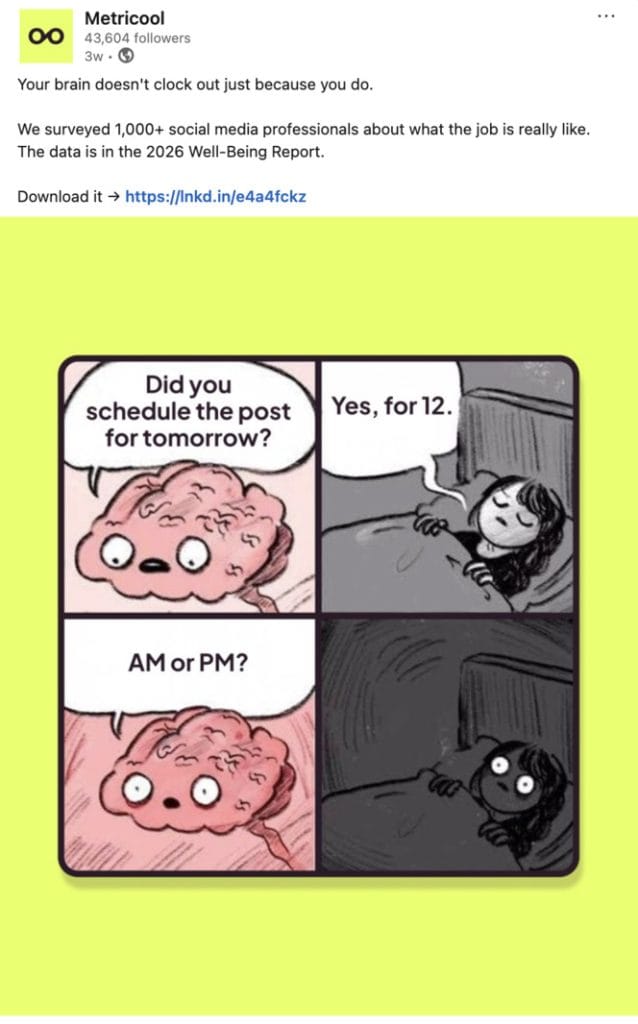
Single Image and Multi-Image Posts
Images help break up the feed. A multi-image post (sharing 3 to 5 photos) is excellent for event recaps or showcasing different parts of a new product.
Video Content
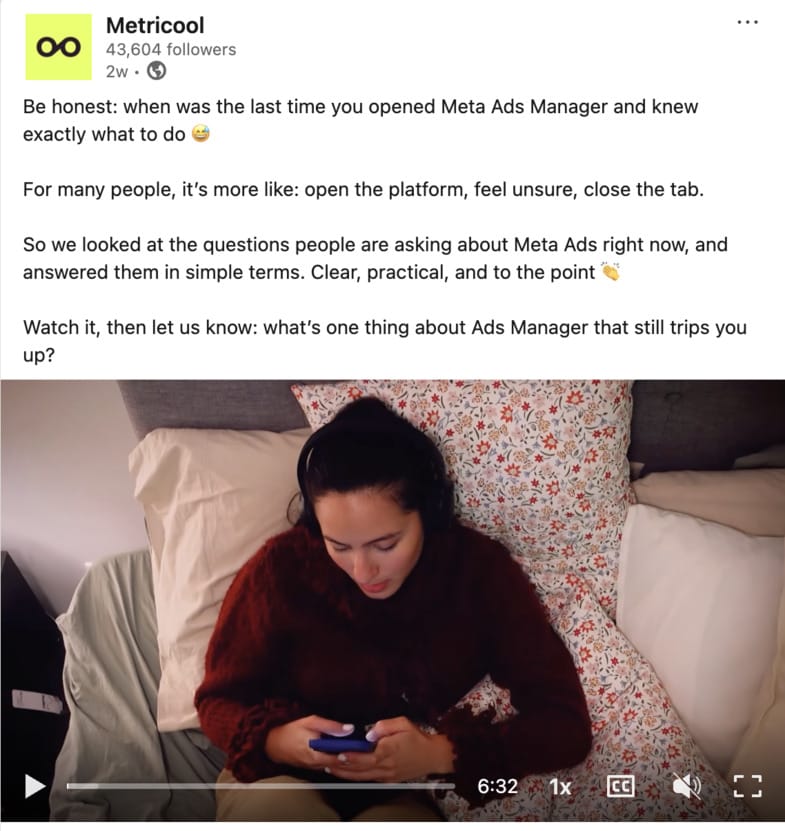
Native LinkedIn videos (uploaded directly rather than linked from YouTube) perform significantly better. Short, “talking head” videos where you share a quick tip are particularly effective for building trust because people can see your face and hear your voice.
LinkedIn Newsletters
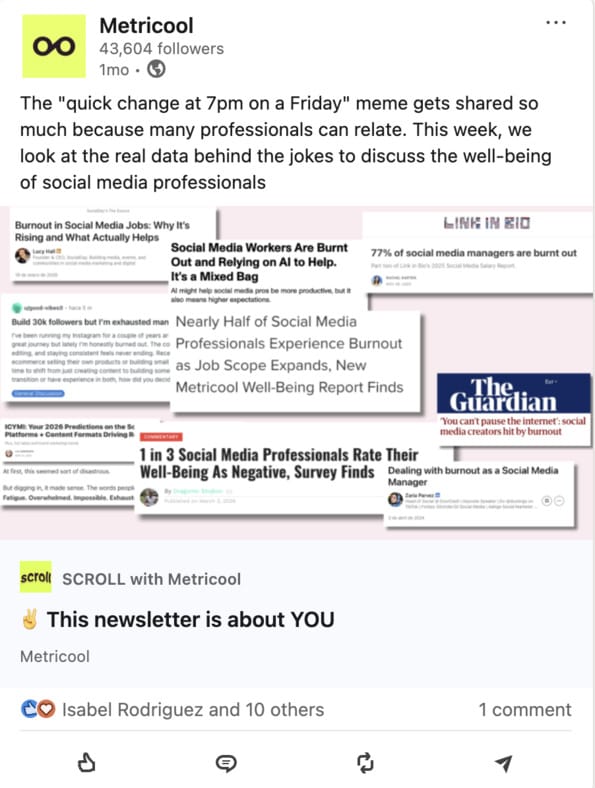
This format allows you to build a recurring audience. When you publish a newsletter, LinkedIn notifies your subscribers directly, which is a powerful way to bypass the standard feed algorithm.
Document Posts (The DIY Carousel)
This is where you upload a PDF file that users can click through. This leads us to one of the most popular questions on the platform.
Struggling to figure out which formats to focus on? Click here for strategic insights:
What is a LinkedIn Carousel?
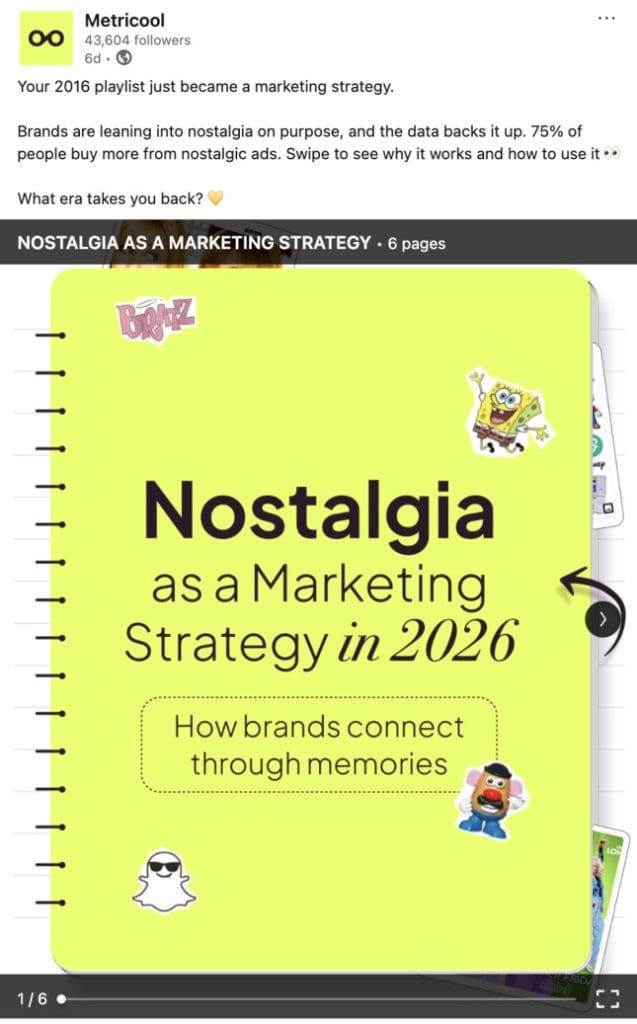
If you have seen a post that looks like a series of slides you can swipe through horizontally, you are looking at a carousel. But what is a LinkedIn carousel exactly?
On LinkedIn, a carousel is usually created by uploading a PDF document. Each page of the PDF becomes a slide in the carousel. This format is the king of reach; our 2026 LinkedIn Trends Study showed that carousels received the most impressions of all formats. Carousels allow you to break down complex topics into bite-sized, visual pieces.
For example, instead of writing a long article about “5 Ways to Improve Your Workflow,” you can create a 6-page PDF. You can also repurpose old blogs and articles as carousel posts.
- Slide 1: The Hook/Title.
- Slides 2-6: One tip per slide with a supporting graphic.
- Slide 7: A call to action.
Carousels are highly effective because they encourage “active” engagement. Every time a user clicks the “Next” button, it signals to LinkedIn that the user is finding the content valuable, which pushes the post to a wider audience.
Managing Your LinkedIn Presence with Metricool
Navigating LinkedIn requires a grounded, consistent approach. You cannot expect results from posting once a month and then disappearing.
- Metricool provides the infrastructure you need to treat LinkedIn with the professionalism it deserves.
- Instead of guessing what time your network is online, our platform shows you the optimal times to post.
- Schedule your text posts, images, and even those high-performing carousels in advance, ensuring your profile remains active even when you are busy running your business.
- All your LinkedIn content formats into one clear view. You can see at a glance whether your video content is outperforming your document posts, allowing you to refine your strategy based on data rather than intuition.
LinkedIn FAQ
What are impressions on LinkedIn?
Impressions represent the total number of times your post was displayed on someone’s screen. It is a “reach” metric, but it is not the same as unique viewers. If one person sees your post three times as they scroll through their feed throughout the day, that counts as three impressions. While high impressions are good for brand awareness, they don’t always equate to engagement. You want to see your impressions grow alongside your interactions to ensure you are reaching the right people.
What is LinkedIn Premium?
While the basic version of the platform is free, many ask what LinkedIn Premium is and if it is worth the cost. Premium is a subscription-based service divided into tiers like Career, Business, and Sales Navigator.
– Career: Helps job seekers by showing how they compare to other applicants and allowing them to message recruiters directly via InMail.
– Business: Provides deeper insights into company growth and allows for more InMail messages.
– Sales Navigator: A sophisticated tool for lead generation with advanced search filters.
Premium is generally worth the investment if you are actively using the platform for lead generation or a high-stakes job search.
What is a good engagement rate on LinkedIn?
Engagement rate is the percentage of people who interacted with your post relative to the number of people who saw it. In 2026, a “good” engagement rate varies by account type. Our study found that company pages have an engagement rate of 1.6%, while personal profiles acheive 2.6%. This 63% increase is because the platform prioritizes individual voices over corporate broadcasts.
What is the difference between connect and follow on LinkedIn?
This is a common point of confusion.
– Connect: This is a two-way relationship. When you “Connect” with someone and they accept, you both become 1st-degree connections. You can see each other’s posts and send direct messages for free.
– Follow: This is a one-way relationship. When you “Follow” someone, you will see their content in your feed, but they won’t necessarily see yours. You also cannot message them directly unless they have an open profile or you use InMail. Many thought leaders have a “Follow” button as their primary call to action because they have reached the 30,000-connection limit.
