

Product Updates – January 2026
 Kalum
06 February 2026
Kalum
06 February 2026 
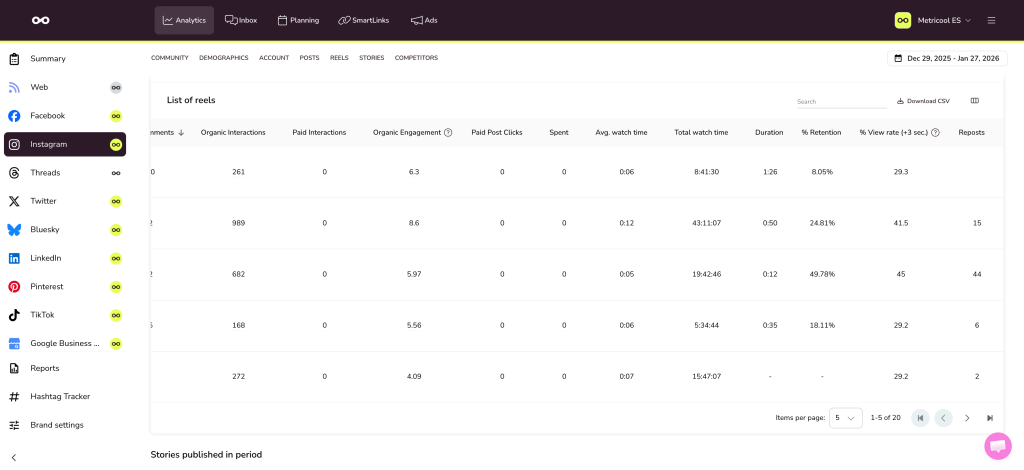
New Instagram Reels metrics
We’ve added not one, not two, but four new metrics for Instagram Reels:
- Duration
- Retention %
- View rate %
- Reposts
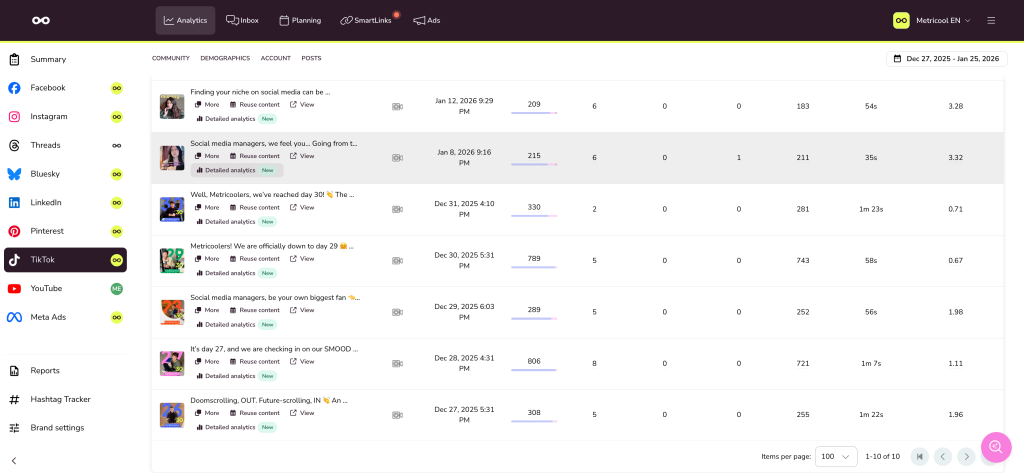
TikTok – Detailed analytics
A month ago, we launched advanced analytics for Instagram (Reels and posts), and it worked so well that we’ve brought it to TikTok 👏🏻
Access a detailed analysis of the first 15 days of your TikTok posts:
- See in detail how your posts are performing
- Learn and identify the content that works
- Use that knowledge to optimize your content
Advanced TikTok analytics are only available on the Advanced plans.
Copy posts across multiple brands
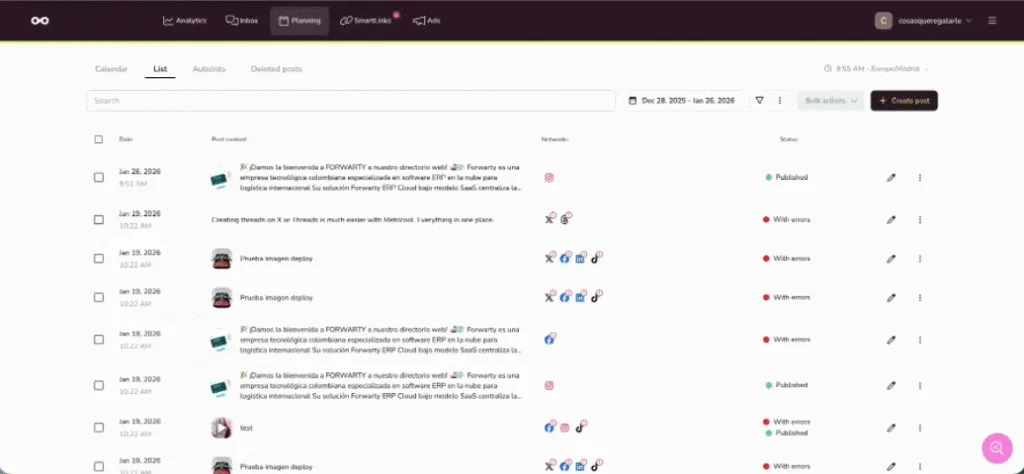
Now you can bulk duplicate posts across multiple brands:
- Single post to multiple brands
From the list or calendar view, click Duplicate to another brand and then select all the brands where you want to copy the post in bulk. - Multiple posts to multiple brands
From the planner’s list view, select the posts you want, click Duplicate to another brand, and choose all the brands where you want to duplicate them in bulk.
Schedule with AI – Guided Mode
Using AI scheduling used to be tricky because it has so many different options, but not anymore. Now there’s a guided mode that lets you schedule by simply filling in the fields, so you won’t forget anything.
Plus, you can now access this feature from a saved post or from the posts list.
AI scheduling is only available on Advanced plans.
Other important updates
- [Planner] Auto-saving posts. Now, if you close the planner without manually saving, you won’t lose your work. Any changes you make to a post’s settings are automatically saved every 30 seconds.
- [Planner] Automatic conversion of unsupported image formats. From now on, when you upload an image in a format not supported by that social network, the system will automatically convert it to JPG.
- [Analytics] Add “Reply to” in reports. We’ve added the option to set a reply-to address for automatic monthly reports. Reports are only available on the Starter plan or higher.
