Social media approval: clients sign off from their inbox, no login needed
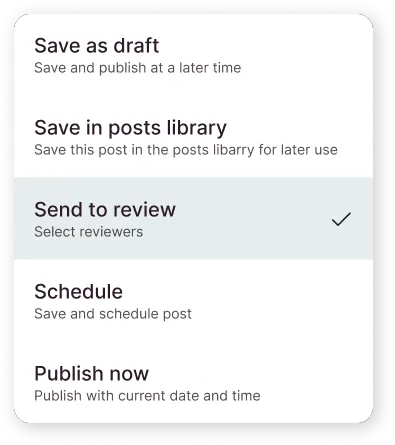
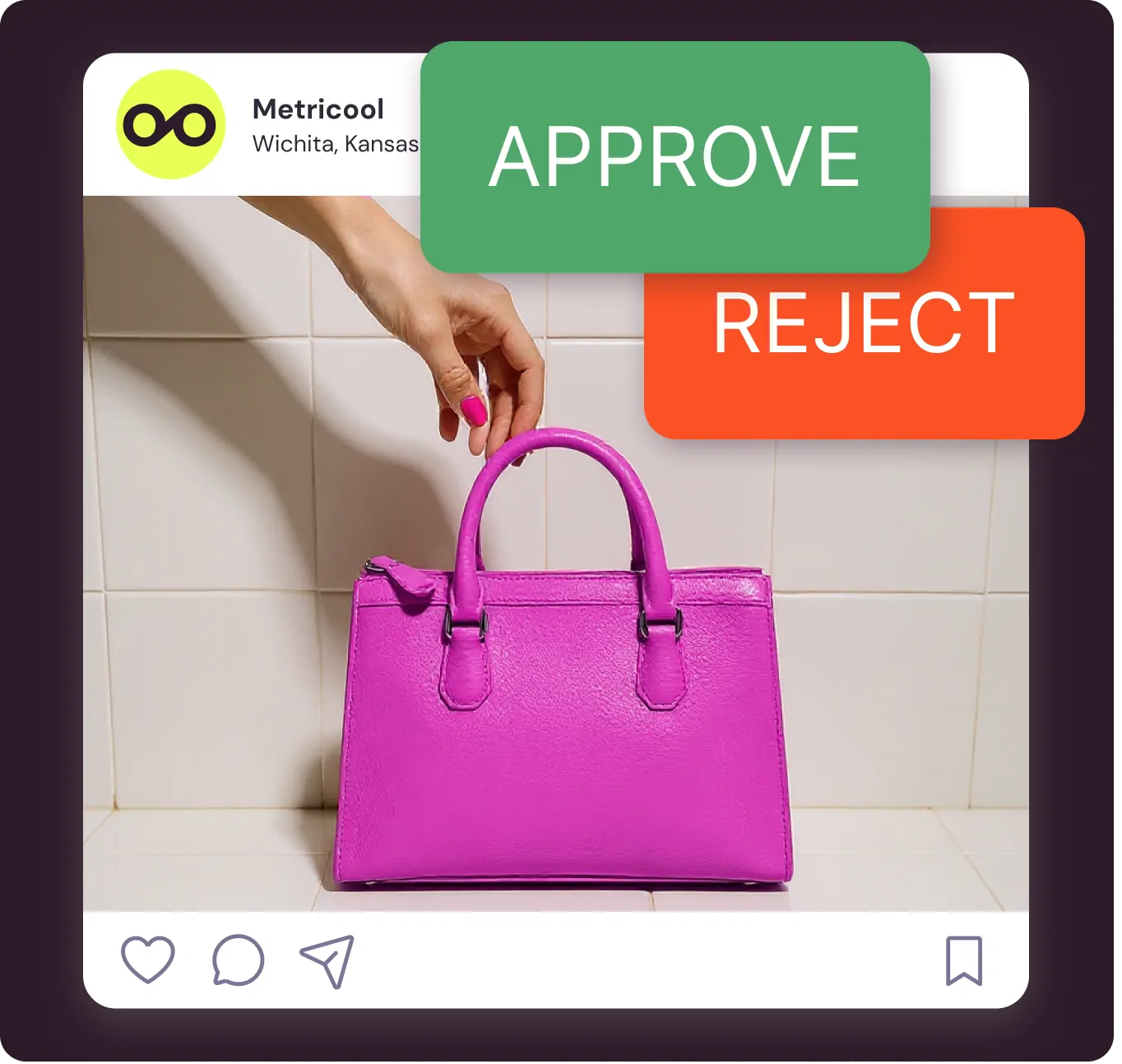
Send posts for review from your planner. Clients approve or reject from a link in their email, with no Metricool account, and nothing goes live without sign-off.
Free to try. No commitment. No fine print
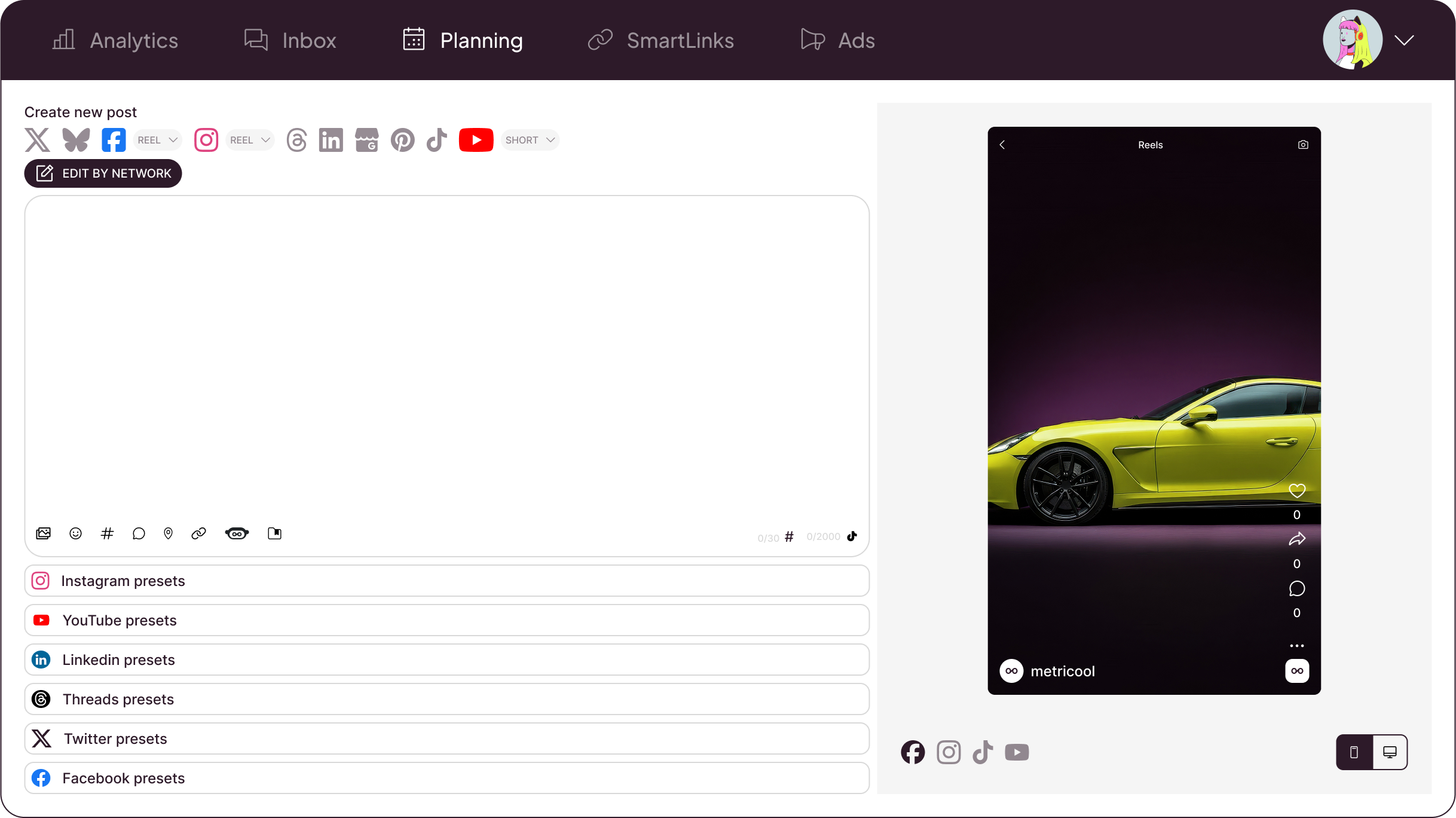
Available for all these social platforms
We’re official partners of


Keep Your Social Media Team in Sync
Your team creates, your clients approve, and every post waits for sign-off before it publishes.
01
No-login approvalClients approve from their inbox, with no Metricool account. They get an email, approve or reject with a note, and you’re notified.
02
Clear feedbackNothing goes live without sign-off. Choose whether one reviewer or all reviewers must approve. Any rejection blocks publishing.
03
Unlimited approversUnlimited team members and approvers, priced per brand. No per-seat cost as your client list grows.
04
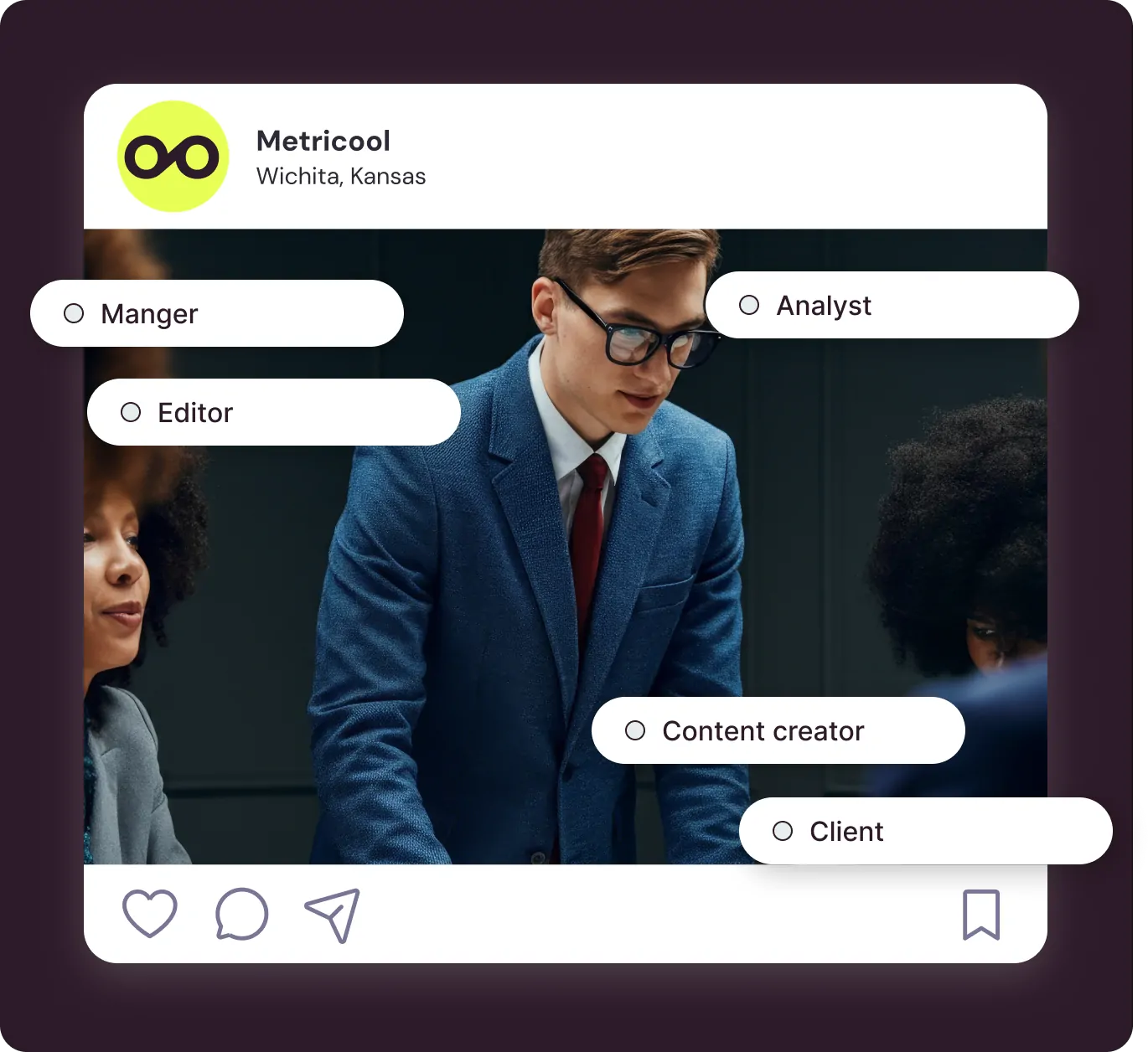
Roles per brandThe right access for each person. Roles per brand (Client, Content Creator, Editor, Account Manager…) and custom roles.
Here’s how Metricool handles social media content approval for your team and clients:
Review internally on a board with your own workflow stages, then send to your client. The approval system is available on the Advanced and Custom plans.
Brands that stay organized use social media approval tools
More than 4 million professionals, brands, and agencies already trust Metricool
















How the Social Media Approval Workflow Works:
01
Schedule your contentCreate posts directly in Metricool or use assets from Drive, Canva, or Adobe Express. You’ll get suggestions for the best posting times. Need help with captions? Let the AI assistant get you started.
02
Send posts for approvalPick teammates or type any client’s email, choose the approval rule, and send straight from the planner. Clients approve or reject from the link in their email, one post at a time or in bulk.
03
Publish approved content automaticallyApproved posts go out on time to the platform you selected. If a client rejects, you get an email with their note: edit the post in Review requests and send it again.
Questions about content approval in Metricool
They’ve already simplified their social media workflow
Join them and see how Metricool’s content collaboration tool can change the way you work.

Diego C.
Marketing Executive
Tool for measuring metrics
“It is a very comprehensive and easy-to-use tool. It allows me to connect various accounts like Facebook, Instagram, LinkedIn, YouTube, among others. It has graphs that summarize the interaction well according to each social network. I like that it also identifies which countries the profile visitors usually come from and provides the corresponding statistics based on their views. I use it every 15 days for my reports”
Geni R.
Small-Business (50 or fewer emp.)
A Game-Changer for Social Media Management and Analytics
“What I appreciate most about Metricool is its comprehensive approach to social media management and analytics. Here are a few highlights that stand out: unified dashboard, advanced scheduling features and in-depth analytics”
Iván J. M.
Press Relations Specialist
The best partner in Social Media for a CMO & Press Relations
“It’s easy to summarize: Metricool works for me and makes my life easier. At my agency we manage numerous corporate account profiles, hence monitoring and analyzing KPIs is one of my tasks and for years (and after the trial of a huge range of other tools) I have trusted Metricool to obtain reliable reports and data with which to draw conclusions for the management of the accounts and make decisions about them. It’s the most professional way to convey information to clients about their brand’s performance!”
Kris U.
Digital Marketing Consultant
Making Social Media Marketing Cool!
“Navigating Metricool is like a walk in the park. No tech headaches, just smooth sailing.
The charts and data layouts are not just smart; they’re downright good-looking. Makes explaining social stats to clients a breeze. Metricool doesn’t play favorites. It caters to all my social media pals, keeping everything in one cool place.”Sam M.
Small-Business (50 or fewer emp.)
Metricool is a fantastic platform to manage your client’s social media accounts
“Metricool powers our social media scheduling and analytics. It simplified client reporting with clear, insightful data and one-click PDF downloads, saving us hours of manual work. The transition from our old platform was seamless, the support team is excellent, and they constantly add new features to stay ahead.”