
Metricool in ChatGPT: schedule posts and get your reports by asking
Metricool is an official, verified ChatGPT connector, included free in every Metricool plan. Use it in ChatGPT on the web to schedule posts and check analytics for 11 social networks.
Takes about 5 minutes. New to Metricool? Create your free account first , or sign up while you connect
4+ million professionals already trust Metricool


















How to connect Metricool to ChatGPT (about 5 minutes)

Open ChatGPT web
Click Apps in the sidebar and search for Metricool. You can also use the direct link.

Click Connect
Choose Sign in with Metricool for Social Media.

Review permissions
Go to Metricool, click Grant access. No Metricool account
yet? You can create one for free in this step.

Open a new chat
Now, ask your
first question. For example: «What was my best Instagram post last week?”
What you can do with Metricool in ChatGPT?
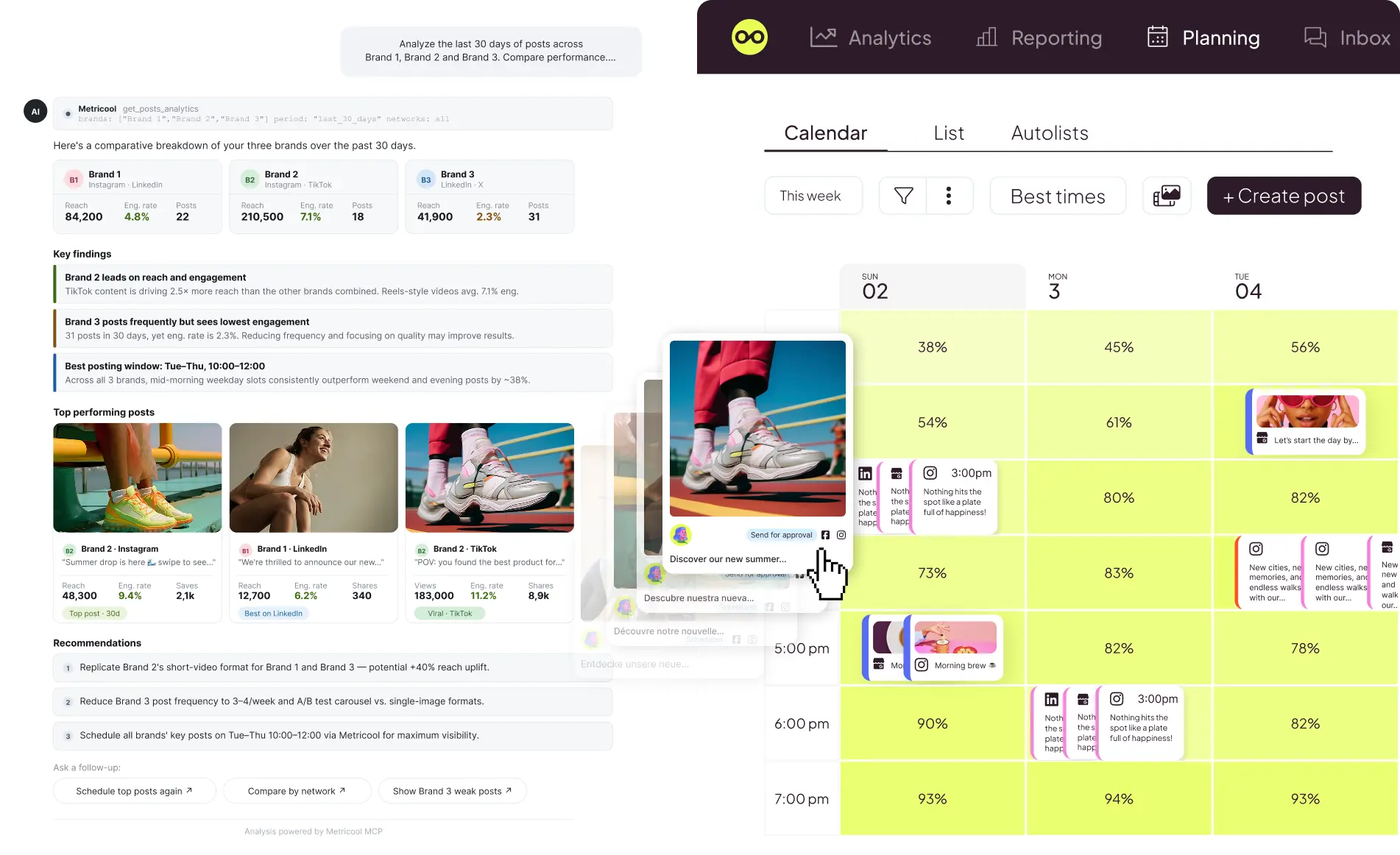
Ask the way you’d ask a teammate. ChatGPT works with your Metricool data: your brands, your posts and your numbers.
01 & 02
To get your reports from one prompt01. Summarize last month’s performance for [brand] across all my networks: reach, engagement and follower growth, compared with the month before.
02. Which 5 Instagram posts got the most engagement in the last 30 days, and what do they have in common?
03 & 04
To schedule at your best time03. Rewrite this announcement for X, Threads and LinkedIn and schedule each version at my best time to post tomorrow: [text].
04. Move all the posts I have scheduled for Friday to Monday, same times.
05 & 06
To compare your ad results05. How did my Meta Ads campaigns perform last week? Show spend, CPC and CTR, and tell me which campaign to look at first.
06. Compare my Google Ads cost per click this month with last month and point out the biggest change.
07 & 08
To send posts for approval07. Write next week’s 5 Facebook posts for [brand] and send them for review so my client can approve them.
08. Edit Wednesday’s scheduled post to add our new promo code, then send it back for review.
09 & 10
Manage several brands09. List all my brands in Metricool and show me which one had the biggest drop in engagement last month.
10. Write a short performance summary for each of my brands for last month that I can paste into client emails.
Here are 10 prompts to get started:
Which Metricool plan do you need to use ChatGPT?
Any plan works, Free included.
Paid plans raise the limits on scheduling and analytics history.
| Free | Paid plans | |
|---|---|---|
| ChatGPT connector | ✓ Included | ✓ Included |
| Scheduled posts | Up to 20 per month | Higher limits by plan |
| Analytics history | 30 days | Longer by plan |
Metricool also works in Claude
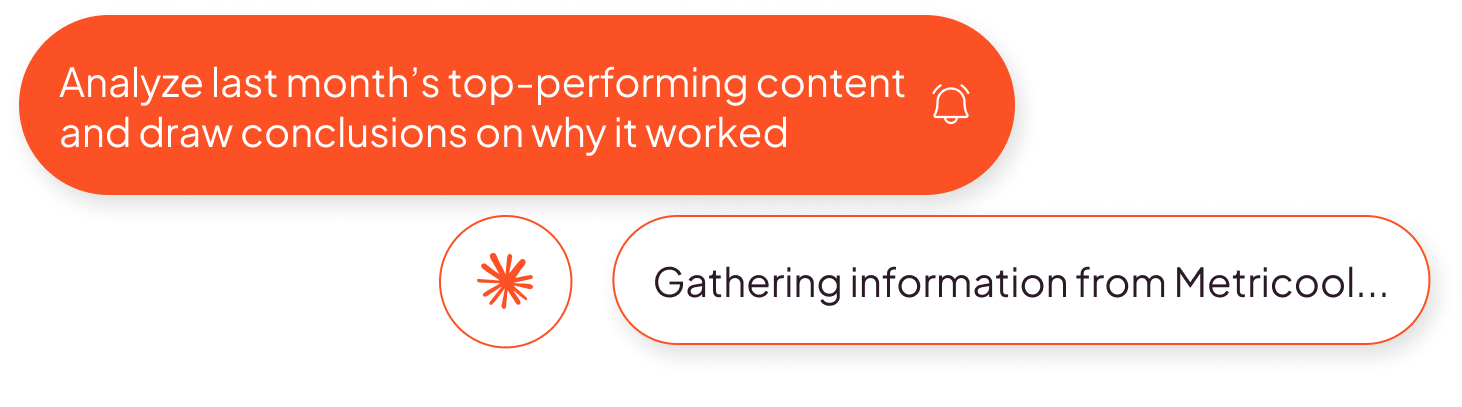
Metricool is an official connector in Claude, too. It’s the same account and the same data, so your team can work in whichever assistant it already uses.
FAQ
Does Metricool work with ChatGPT?
Yes. Metricool is an official, verified connector in ChatGPT’s Apps section, and you can connect it on ChatGPT on the web in about 5 minutes.
Is the Metricool ChatGPT connector free?
Yes. The Metricool connector is free to use, including on Metricool’s Free plan. However, Metricool’s subscription limits still apply, such as the monthly publishing limit and available social networks.
Which ChatGPT plans can use Metricool?
You need a ChatGPT account with access to the Apps feature and external connectors. Metricool does not publish a definitive list of compatible ChatGPT plans. Availability depends on OpenAI’s plan restrictions and connector availability.
Does it work in the ChatGPT mobile app?
Metricool officially documents the connection process for ChatGPT on the web. It does not document a separate setup process for the iOS or Android apps. Mobile compatibility depends on OpenAI’s support for connectors in its mobile apps. For the most reliable experience, use ChatGPT on the web.
Can ChatGPT publish posts to Instagram, TikTok or LinkedIn through Metricool?
Yes, with some limitations. ChatGPT can create and edit scheduled posts through Metricool and send posts for review. This allows you to prepare and schedule content without leaving ChatGPT. Instagram and TikTok are supported on Metricool Free. LinkedIn requires at least a Starter plan. The actual publishing options depend on the connected social account, Metricool plan and platform-specific publishing restrictions.
What access does Metricool get when I connect it to ChatGPT?
The authorization screen grants broad access to your Metricool account, similar to the access available when logging into Metricool directly. However, the tools currently exposed through the ChatGPT connector have a narrower scope: they can access brand settings, analytics (including connected advertising account analytics), scheduled posts and publishing-related planning actions. Inbox messages, post comments, SmartLinks, Google reviews, automatic lists, Canva/Drive files and Ads campaign management are not currently available through the ChatGPT MCP integration.
How do I disconnect Metricool from ChatGPT?
Open ChatGPT and go to Settings → Apps (or Plugins, depending on your interface). Select Metricool, open the connected account’s options menu (•••), and click Disconnect. This revokes future access through ChatGPT. You do not need to disconnect your social media accounts from Metricool itself.
What’s the difference between the ChatGPT connector and the Metricool API?
The ChatGPT connector uses the Metricool MCP (Model Context Protocol) to let you interact with your account using natural language, without coding. You can retrieve analytics, inspect your content calendar, create and edit scheduled posts, and submit posts for review. It works with all Metricool plans, including Free. The Metricool API is designed for developers who need programmatic access, structured data, custom integrations and automated workflows using HTTP requests. API access requires an Advanced or Custom Metricool plan.
Connect Metricool to ChatGPT and schedule your next post in one prompt
Setup takes about 5 minutes