

Facebook Verified Badge Is Here: All It Takes is a Selfie
 Kata
30 July 2026
Kata
30 July 2026 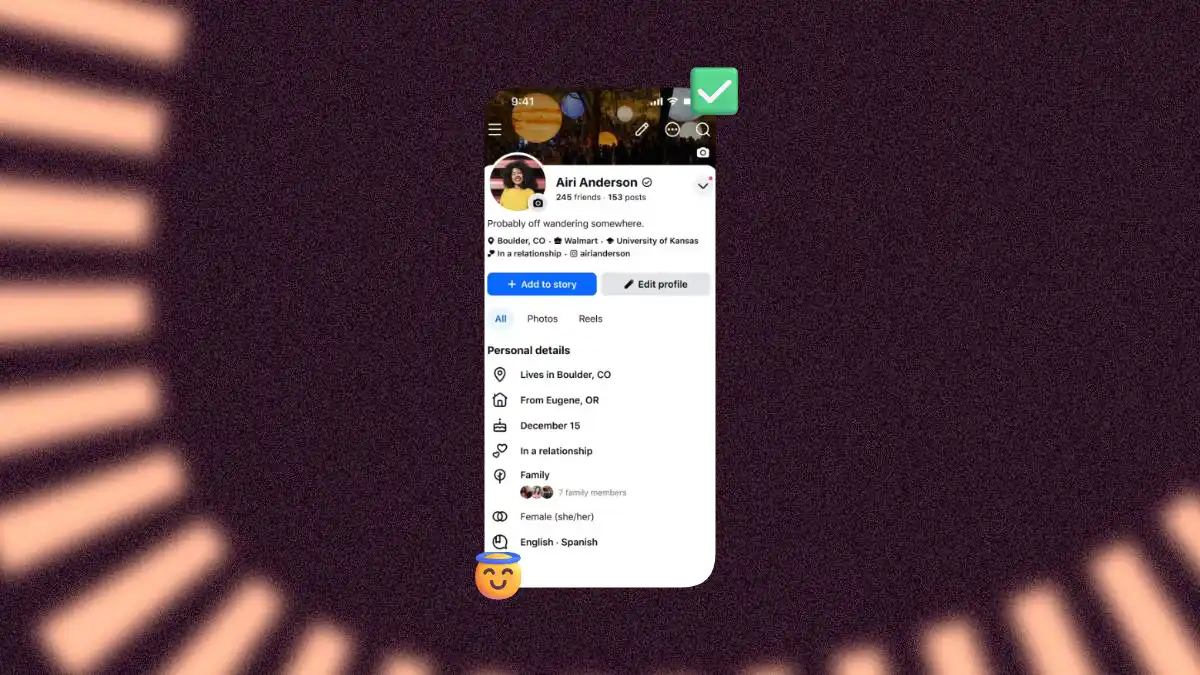
Who would have thought 10 years ago that one day we’d need a Facebook verified badge to prove we are actual human beings? Well, that day has come – Meta announced the new feature this week. Now all you need to do is comply with Facebook’s Community Standards and record a video selfie to earn a free badge that sets you apart from bots and AI profiles.
What is a Verified Badge on Facebook?
It’s a check mark that appears next to your name once you’re verified, showing up on your Profile, Facebook Marketplace, Dating, and Facebook Groups. To get it, you record a video selfie, and Facebook compares it with your existing profile photos to confirm your identity.
Facebook says it will roll out badges in Feed posts as well over time.
How to Get a Facebook Verified Badge
Before you start, check if you’re eligible:
- You must be 18 or older
- Your account must meet Facebook’s community standards, particularly around fraud
- This is only available for personal accounts. Facebook Pages and Professional Mode accounts are not eligible
- The feature is rolling out gradually, so it may not be available in your market yet
Once you’re sure you can earn the badge, here are the steps you’ll need to follow:
- Find the verification option. Open the Facebook app and go to your profile. If the feature is live for your account, you’ll either see an in-app prompt directly, or you can navigate to it manually: tap the three-line Menu icon in the bottom navigation bar, go to Settings & privacy → Settings, select Accounts Center, then Password and security, and look for Video selfie verification. (Menu placement can vary slightly by app version.)
- Start the verification process. Instead of uploading a government-issued ID or a one-time photo, you’ll be prompted to record a short video selfie.
- Record your video selfie. Follow the in-app prompts, which will guide you through a few head movements from different angles to capture a brief video of yourself.
- Wait for Facebook to compare your selfie to your profile photos. Facebook checks whether the person in your video selfie matches the person in your existing profile photos to confirm it’s the same individual. It should not take more than a couple of minutes.
- Receive your verification decision. If your video selfie matches your profile photos and your account meets community standards, you’ll be awarded the Facebook Verified badge.
Facebook Verification Badge vs Meta Verification Subscription
We’re already pretty used to Meta confusing us with similar-sounding terms that stand for different things (if you manage ads, you know the drill: Meta Business Suite, Meta Business Manager… 😉).
So let’s get the difference straight:
- Meta Verified is a paid monthly subscription for creators and businesses on Facebook, Instagram, and WhatsApp that includes a blue verified badge, account impersonation protection, and enhanced customer support.
- The Facebook Verified badge is about building trust between users by confirming there’s a real person behind an account. Unlike Meta Verified, this process is completely free. It’s not an endorsement or a guarantee of trustworthiness, just proof that you’re not a bot.
Meta’s Recent Updates for Facebook
This isn’t the only update we’ve seen from Facebook recently. It also rolled out Forum, a standalone app for Facebook Groups connected to your Facebook account, and launched Seller, its own dedicated app for Facebook Marketplace.
Even if your perception of Facebook is that it’s the place where your grandma meets her friends for a digital afternoon tea, it’s still the platform with the largest global reach with 3.07 billion monthly users. So before you write Facebook off, think again. To help you build your strategy, take a look at our guide:
