

Product Updates – June 2026
 Kalum
02 July 2026
Kalum
02 July 2026 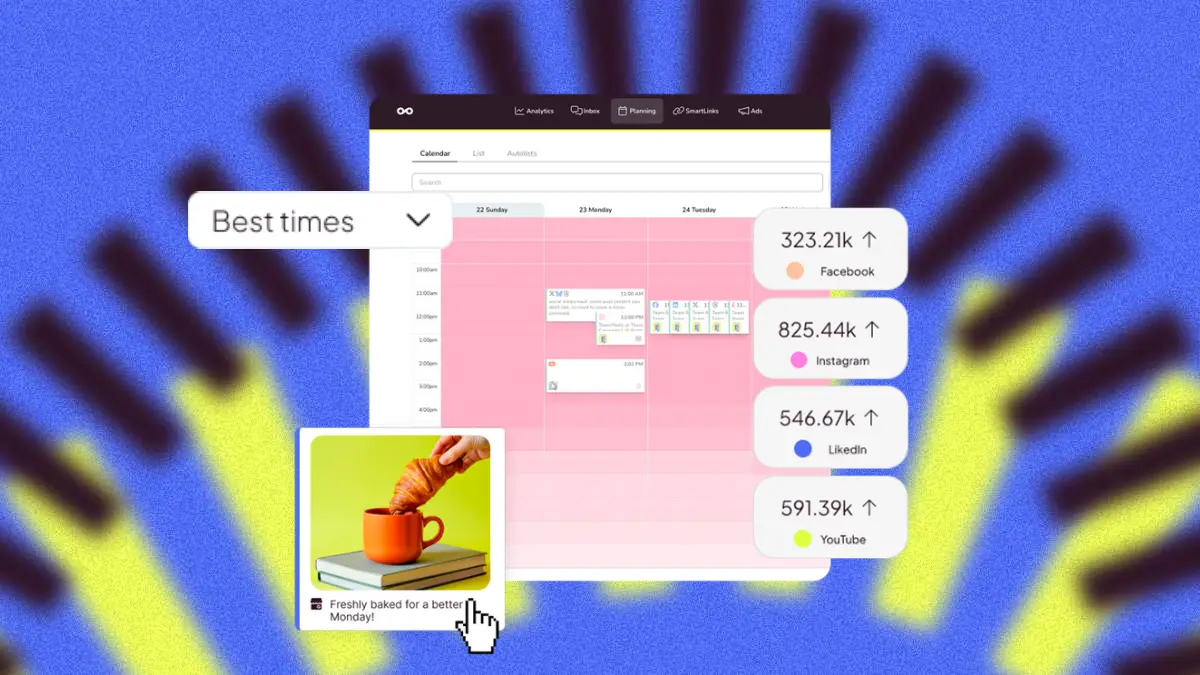
Improvements to Campaign Dashboards and Metricool Studio
Everything New in Metricool Studio and Campaign Dashboards:
Metricool Studio
- Sort all the tables in the analytics view
- Add any logo you want to your views
- Filter by brand within a multi-brand view
- Create calendar views from the planner
- Type @ in prompt mode to add brands
- Export analytics views as a PDF
- Share your views via URL
- Edit views from within
Campaign Dashboards
- See breakdowns by content type
- Edit the AI-generated insights, section by section
- Add any logo you want to your dashboards (by brand)
- Share your dashboards via URL

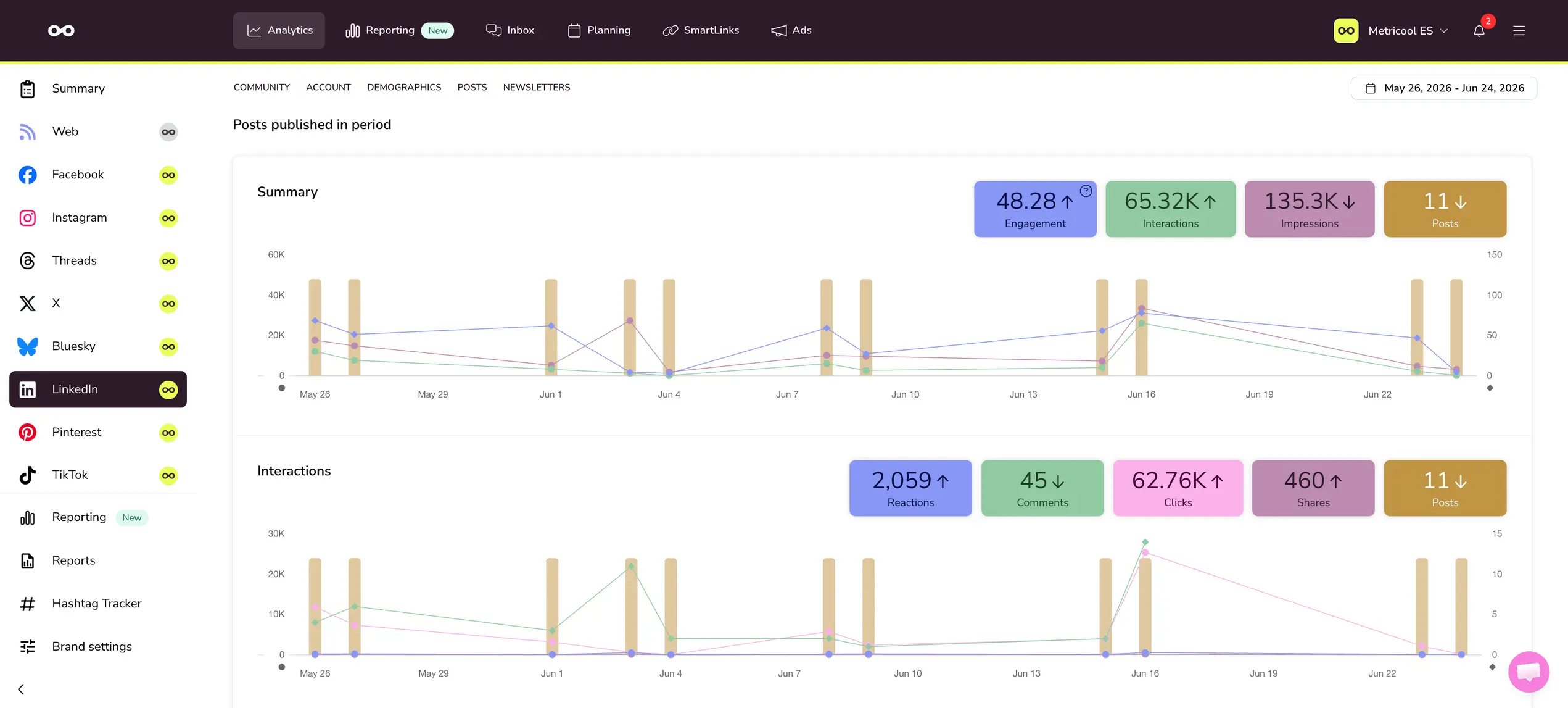
Full data on posts and interactions for personal profiles
Before, you could only see data for the LinkedIn posts you published from Metricool. Now, you can access the data for all the profile’s posts and their interactions.
Soon you’ll also be able to manage comments from your Inbox 💛
Experience improvements and more filters

Lots of new features in the planner:
- Filter the calendar by campaign: A new “Campaign” section has been added to the calendar’s filter panel. Now you can select one or more campaigns and isolate what’s scheduled for a specific campaign.
- Select or deselect all calendars at once: The calendar selector now has a select/deselect all button, and the panel scrolls when you have more than five calendars.
- Recurring scheduling redesigned: The planner’s recurring scheduling screen has a cleaner design, and in the single-page view, there’s a navigation path (with a warning if you have unsaved changes). You can also remove selected brands directly from this screen.
Other important updates
Affiliate program
- Multiple affiliate links and analytics: As an affiliate, you can generate multiple affiliate links with their corresponding analytics. You can also create 30-day Metricool trial codes.
Settings
New visual experience in settings: The settings tab has been adapted to the new visual identity.
Account settings | API
Regenerate your API token: Advanced and Custom plans can now regenerate the API token on the settings page. This action invalidates the old token.
Remember that you can always send your feedback, we really read it all! We use it to decide our next steps 👀
