

Product Updates – September 2026
 Kalum
06 October 2026
Kalum
06 October 2026 
Analytics
New metrics for YouTube and Instagram
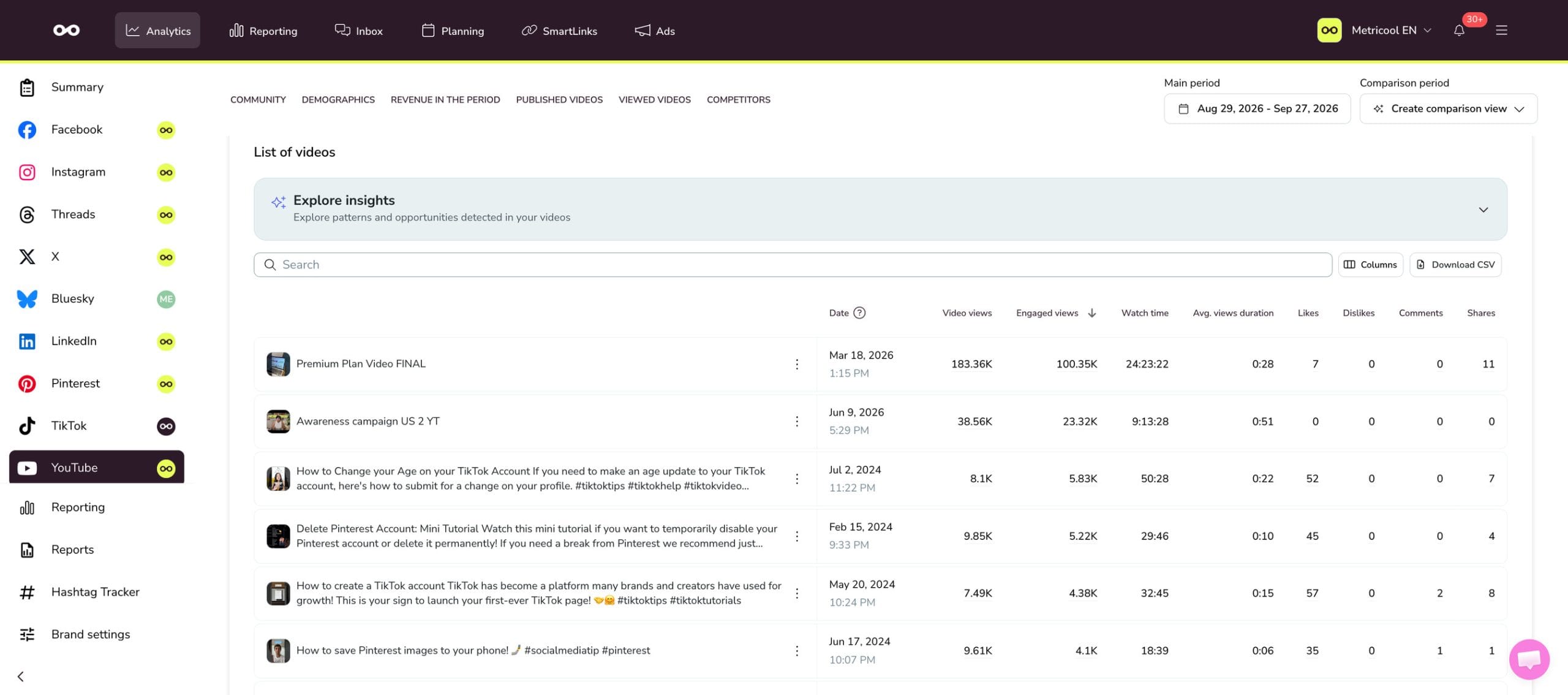
- YouTube views: YouTube changed how it counts views, so you’ll see two different metrics in your Analytics dashboard: Views, which counts as soon as a video starts playing, and Engaged views, which tracks viewers who watch past that initial moment.
- Instagram followers, split into gained and lost: See how many followers you gained and lost over a specific time frame in your Balance of Followers section, alongside the content you posted during that period. Available for accounts with 100 or more followers.
- New Collab post metrics in Instagram Analytics: If you have collaboration posts, you can now see how they’re performing, including views, likes, comments, reposts, saves, and shares. Available for Instagram accounts connected through Facebook login.
Reporting
What’s new in Metricool Studio and Campaign Dashboards
Metricool Studio:
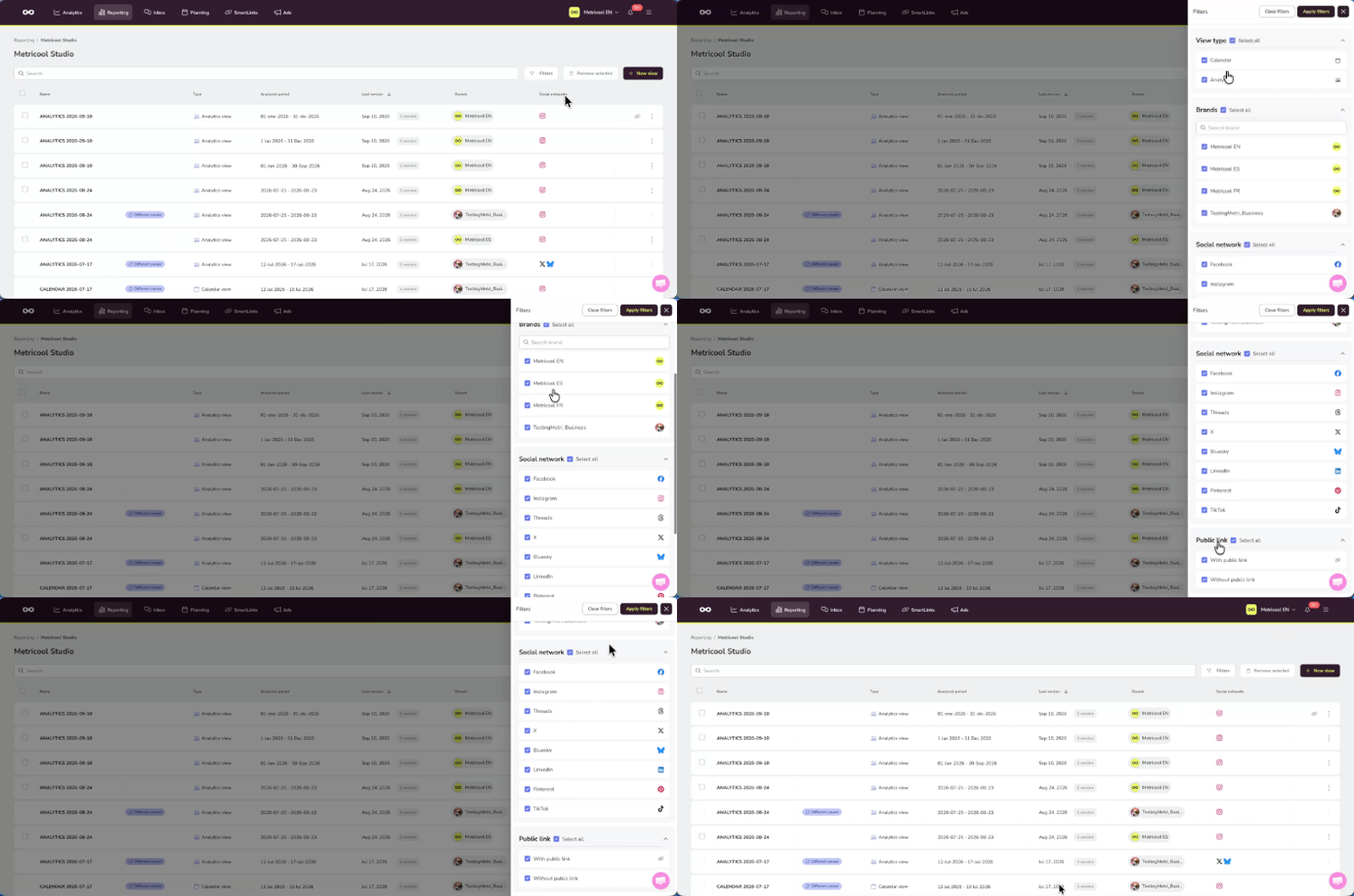
- Filter and sort your Metricool Studio views: Find and manage your views faster with the new side panel filters. Browse by view type, brand, social network, and public link. Combine several filters at once, sort by any column, and keep using text search alongside them.
- Instagram Collabs questions: Create views focused on how your collaborative posts are performing.
Campaign Dashboards:
- CSV downloads for posts data: Export your posts data directly from the View posts section of your campaigns.
- Reorder columns: Click on a column and drag it to place it wherever you want. The order is independent of which columns are shown or hidden, and you can set a different order for each tab.
- Instagram Collabs in Campaign Dashboards: Collaboration posts now show up alongside the rest of your campaign content and performance data.
Planner
Plan and publish your posts with more control
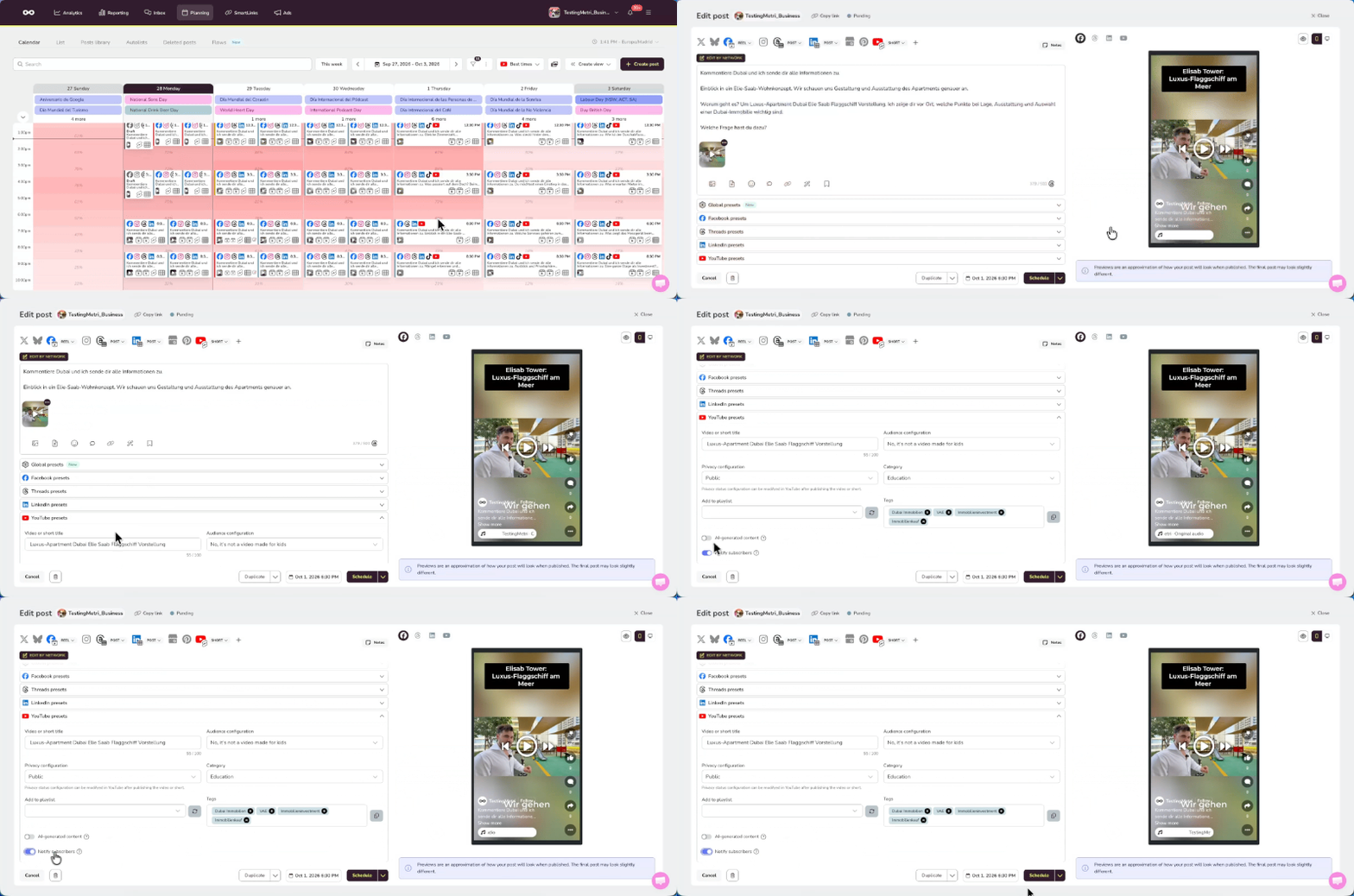
- Choose whether to notify subscribers on YouTube: When publishing a video or Short from Metricool, you can now decide if your subscribers get notified. This option is available when creating a new post from the calendar, when editing posts from the Post Library, and when importing posts through CSV. It can only be set during upload, since YouTube doesn’t allow it to be changed afterward.
- Add thumbnails to YouTube Shorts: Open the three-dot menu on any Short and choose an image or frame as its thumbnail. It’ll only show as the cover if your channel is verified and YouTube has enabled Shorts thumbnails for your account.
Other Important Updates
Settings
- My Tasks is now Review requests: See and manage every request sent to you and by you, split into For you and Assigned by you, with filters by publication, network, and brand. Approve or reject requests right from there.
- New notification system: Choose whether you get emails, in-app notifications, or both, for things like being tagged in a note or post, being assigned a post, or when your post gets approved, rejected, or published with warnings. Manage it all from the new Notifications tab in your settings, and check your latest notifications anytime from the bell icon on your dashboard.
Review requests, role management, post assigning, and content approval are available on the Advanced plan and above.
If you’ve got questions about your account or Metricool, check out our Help Center or hit us up in the chat.
Remember that you can always send your feedback, we really read it all! We use it to decide our next steps 👀
